


Admin ADMIN
2026.08.06
 AdminBug reports 23Suggestions 4Exploits 0
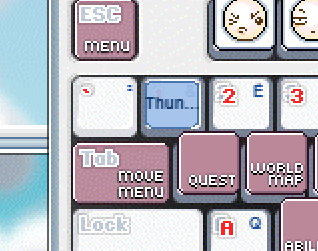
Done - right-clicking a bound key clears it now.
One honest caveat so it is on the record: this is NOT how v83 did it. I checked both reference clients and neither has right-click removal in the Keyboard Setting window - in the real game the only way to unbind is to drag the icon off the keyboard, which is what we already had. So this is us improving on the original rather than fixing a mistake.
I went ahead because it is what you would expect from the gesture, and this port already uses right-click the same way in other places (right-click to unassign a quick slot, right-click to use or equip in the inventory). Dragging off still works exactly as before.
Right-click on a key previously did nothing at all - the key cells only listened for drags. It cannot interfere with dragging (a drag can only start on the left button) and it only edits the pending copy, so Cancel or ESC still throws it away.
On the editor preview now; reaches the public build with the next publish.
One honest caveat so it is on the record: this is NOT how v83 did it. I checked both reference clients and neither has right-click removal in the Keyboard Setting window - in the real game the only way to unbind is to drag the icon off the keyboard, which is what we already had. So this is us improving on the original rather than fixing a mistake.
I went ahead because it is what you would expect from the gesture, and this port already uses right-click the same way in other places (right-click to unassign a quick slot, right-click to use or equip in the inventory). Dragging off still works exactly as before.
Right-click on a key previously did nothing at all - the key cells only listened for drags. It cannot interfere with dragging (a drag can only start on the left button) and it only edits the pending copy, so Cancel or ESC still throws it away.
On the editor preview now; reaches the public build with the next publish.