chubby
2026.10.08
#396
Selecting items to sell for Hired Merchant is difficult
FIXED
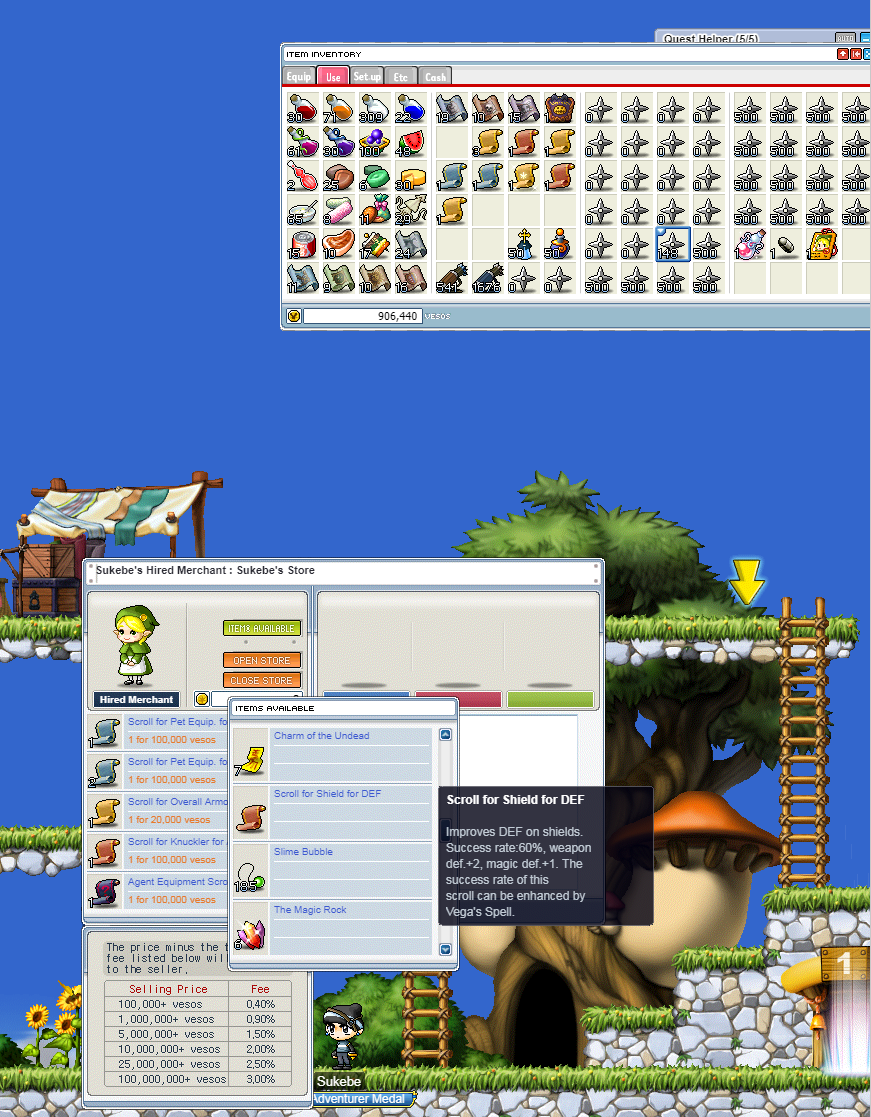
The items are not arranged in the same order as they're in the inventory and are only shown 4 at a time.
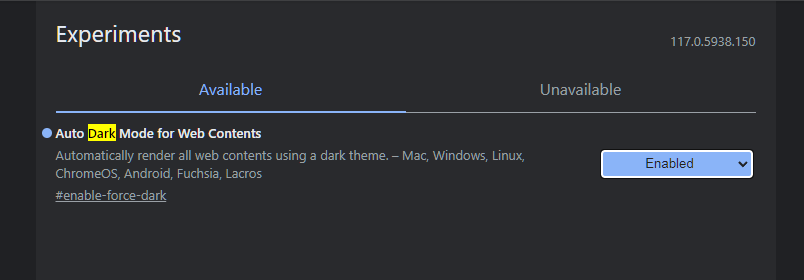
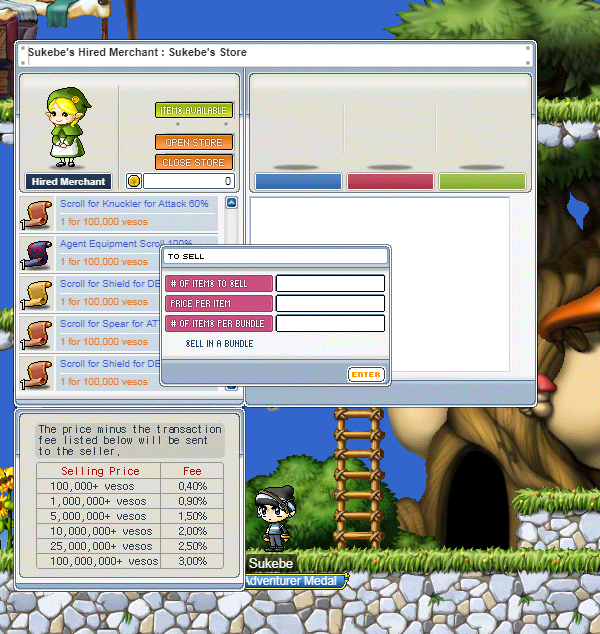
The text is white for all textboxes in-game, including quest searchbar and the price of items to sell, when you enable the flag Auto Dark Mode for Web Contents in Chrome.
Are there buttons to change what the board above a store reads? it reads [playername]'s store now.
The text is white for all textboxes in-game, including quest searchbar and the price of items to sell, when you enable the flag Auto Dark Mode for Web Contents in Chrome.
Are there buttons to change what the board above a store reads? it reads [playername]'s store now.
🍅 ME TOO · 0
Sign in to confirm this bug.
COMMENTS
3 replies
Admin ADMIN
2026.10.08
Thanks boggart! In the next update (not live yet): the 'Items Available' list follows your inventory order tab by tab and hides items that can't be sold. The list keeps the original window's 4 rows, but the quickest way to stock is dragging items straight from your inventory onto the store window, like the original client. Opening a store now asks for its name first, and that's what the board above your store shows (you can still click the title bar to change it before opening). We also opted the game out of Chrome's Auto Dark Mode, so text fields and the login screen should look normal with the flag on. Please re-test with it enabled.
Admin ADMIN
2026.10.08
Marking this fixed. The change ships in the next update. If it still happens after that, please reopen this report.
Sign in with MSU to comment.