



Admin ADMIN
2026.08.14
 AdminBug reports 23Suggestions 4Exploits 0
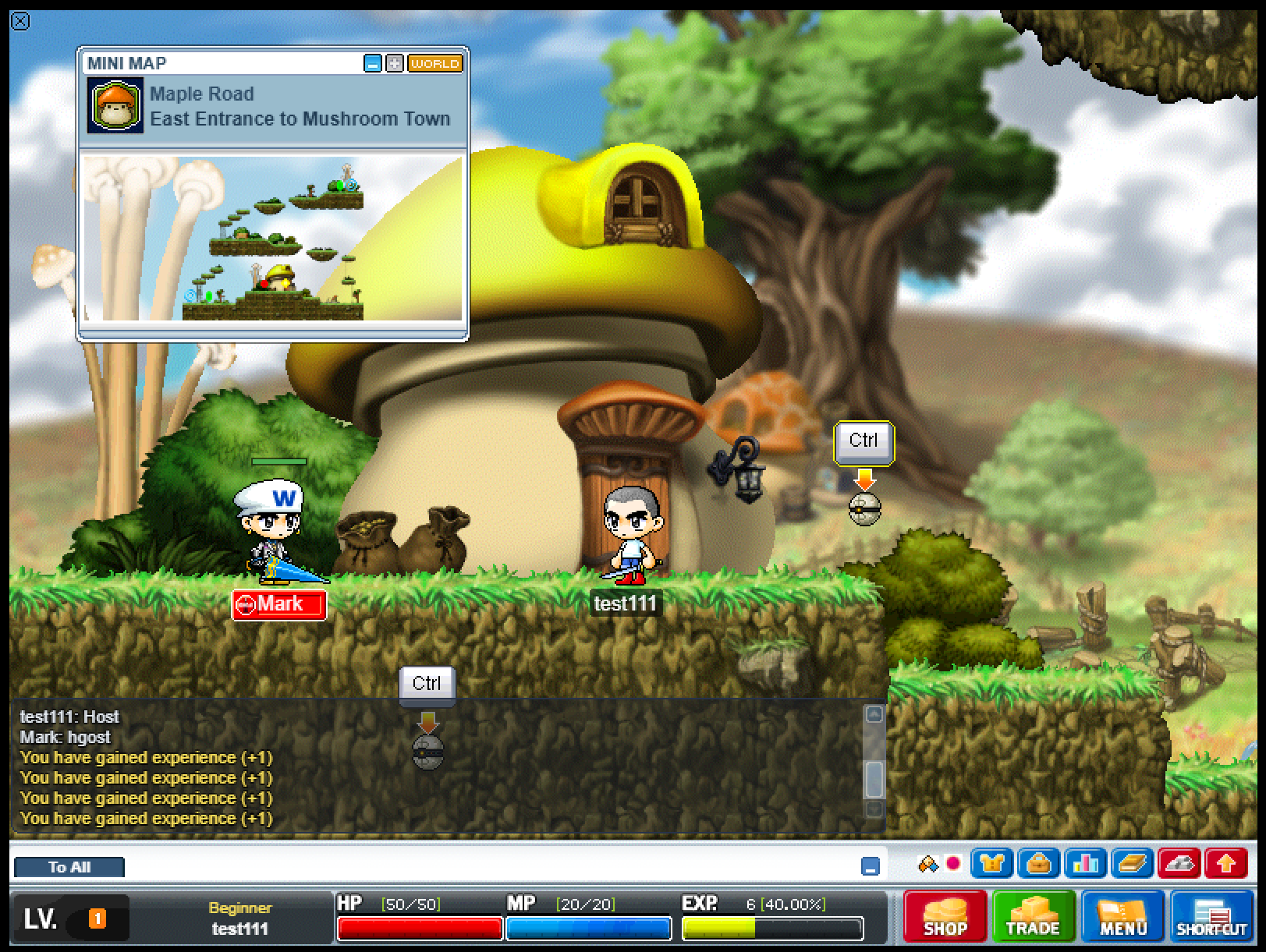
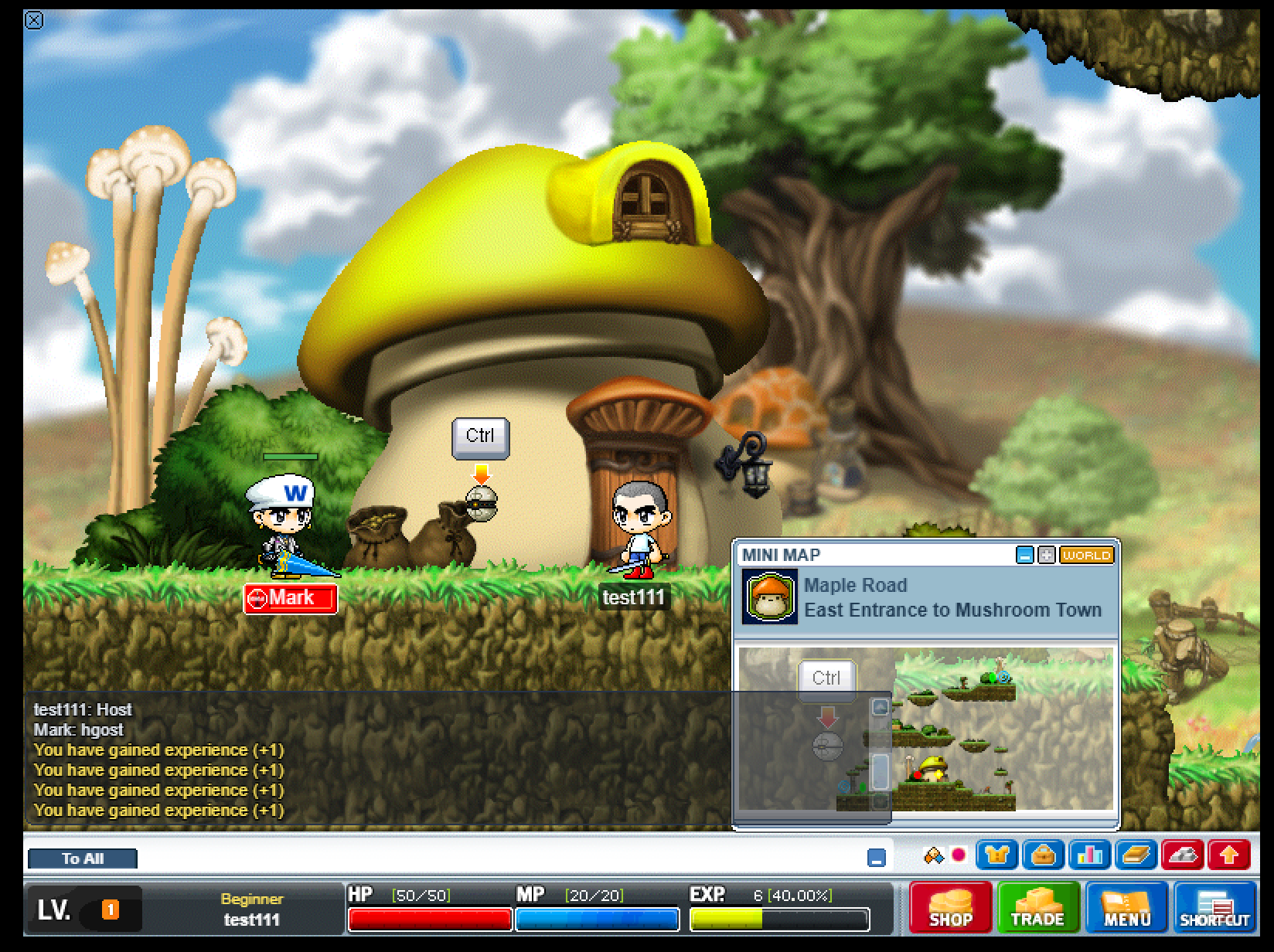
You were right that it wasn't a menu button, and it wasn't left over from a menu.
That X is a real MapleStory graphic - the small circled close button the game normally puts in the corner of a window. We decoded your screenshot pixel by pixel to be certain: it is exactly 14 by 14 pixels, sitting on the very first pixel of the game screen. The NPC speech-box system was building one of those buttons every time you entered the world, parking it in the top-left corner, and immediately telling it to hide. The catch was timing. The picture for that button downloads a fraction of a second later, and when it arrived it had no memory of being told to hide, so it drew itself anyway. Its click area had already been switched off, which is exactly why clicking it did nothing, and nothing ever removed it, so it sat there for the whole session.
Three things changed. The speech box no longer creates a corner X at all - a real MapleStory conversation has none, and the only way out is the End Chat button at the bottom left, which we already draw. The shared close-button code now remembers being hidden or thrown away before its picture turns up, so late artwork can never revive a dead button anywhere in the game. And while checking this we found and fixed a related fault in the pet/nurture item window, which could spray a pile of those same X graphics across the screen and then fail to open at all.
Nobody has looked at this in-game yet, so your re-test is the real check. Please log in, walk through several maps, open and close a few NPC conversations, then open and close the Inventory, Equipment, Character Info and Maple User List windows, and double-click a nurture item. The corner should stay clean, and every window's X should be the proper small graphic straight away rather than a plain typed x.
That X is a real MapleStory graphic - the small circled close button the game normally puts in the corner of a window. We decoded your screenshot pixel by pixel to be certain: it is exactly 14 by 14 pixels, sitting on the very first pixel of the game screen. The NPC speech-box system was building one of those buttons every time you entered the world, parking it in the top-left corner, and immediately telling it to hide. The catch was timing. The picture for that button downloads a fraction of a second later, and when it arrived it had no memory of being told to hide, so it drew itself anyway. Its click area had already been switched off, which is exactly why clicking it did nothing, and nothing ever removed it, so it sat there for the whole session.
Three things changed. The speech box no longer creates a corner X at all - a real MapleStory conversation has none, and the only way out is the End Chat button at the bottom left, which we already draw. The shared close-button code now remembers being hidden or thrown away before its picture turns up, so late artwork can never revive a dead button anywhere in the game. And while checking this we found and fixed a related fault in the pet/nurture item window, which could spray a pile of those same X graphics across the screen and then fail to open at all.
Nobody has looked at this in-game yet, so your re-test is the real check. Please log in, walk through several maps, open and close a few NPC conversations, then open and close the Inventory, Equipment, Character Info and Maple User List windows, and double-click a nurture item. The corner should stay clean, and every window's X should be the proper small graphic straight away rather than a plain typed x.